Begin with what happens between movements
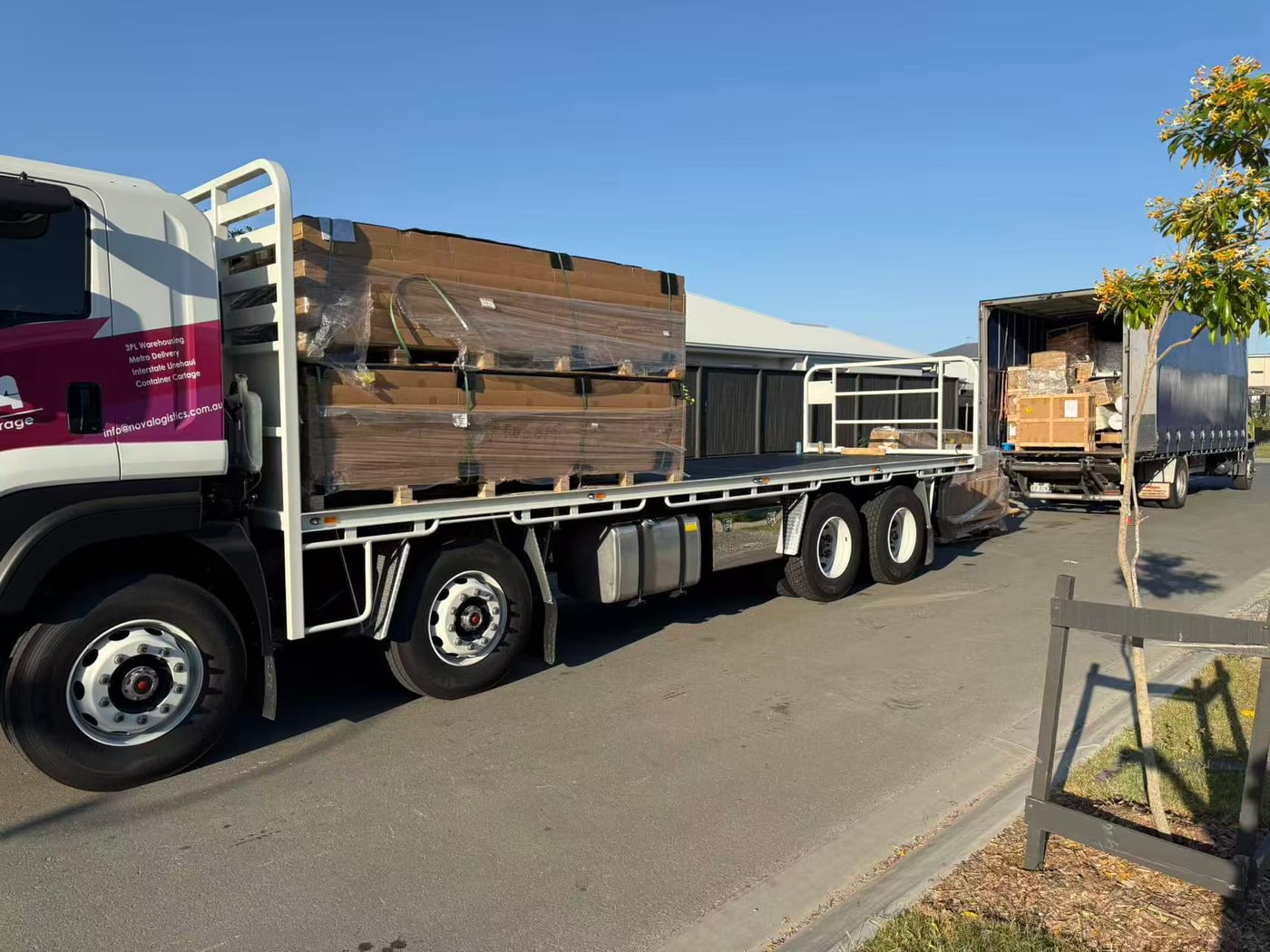
Transport and warehousing are closely linked. Freight arriving at a warehouse needs an agreed next step, while freight leaving storage needs a delivery arrangement. Looking at those handovers early helps the people involved understand the order of events and the information needed at each stage.
Map the arrival
Start with the inbound source, expected arrival date and a clear description of the cargo. Include the number of units, packaging, dimensions and weights. If the arrival depends on another booking or a container release, explain what is confirmed and what remains provisional. This gives the receiving and transport teams the same starting point.
Describe the storage requirement
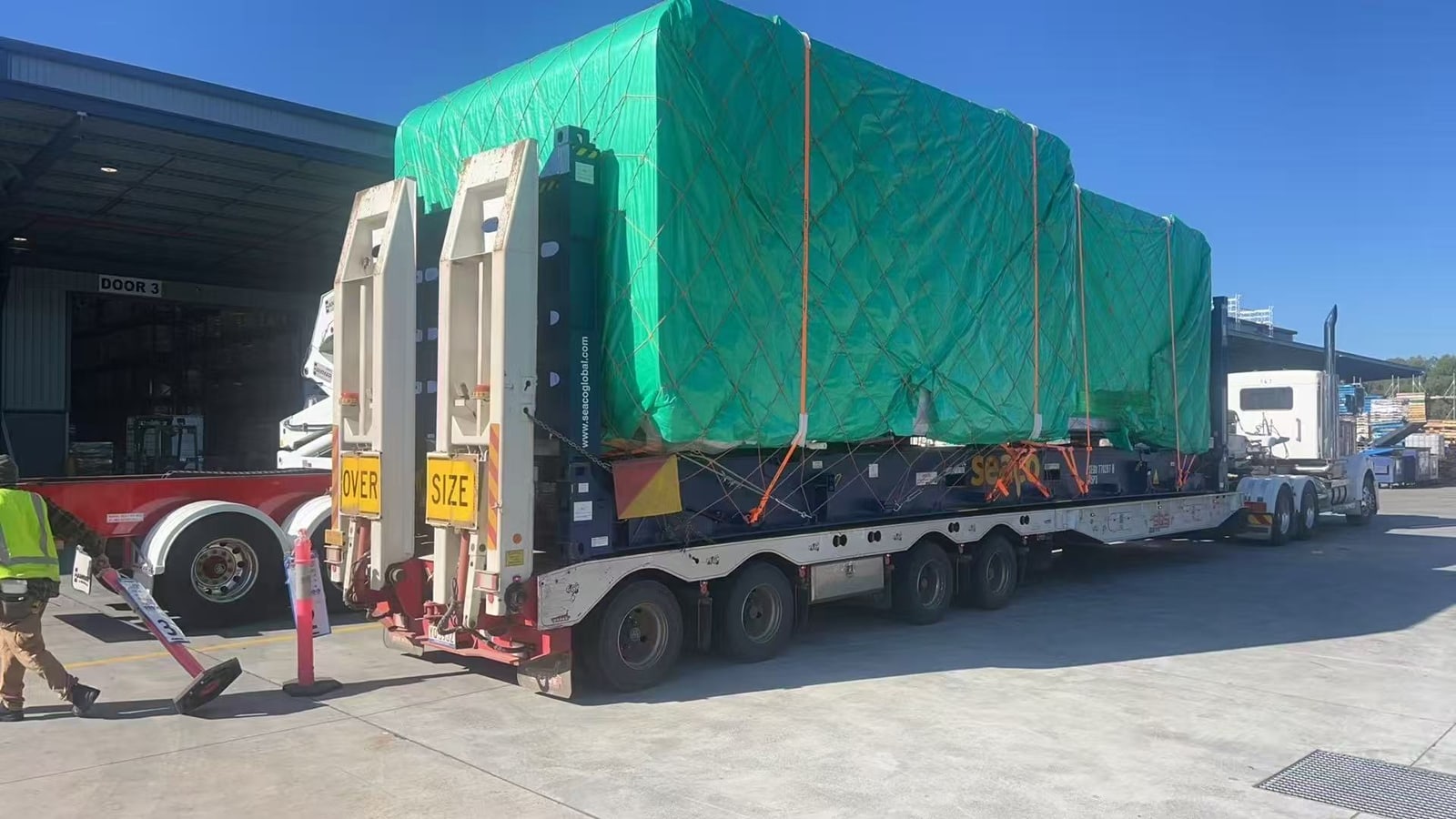
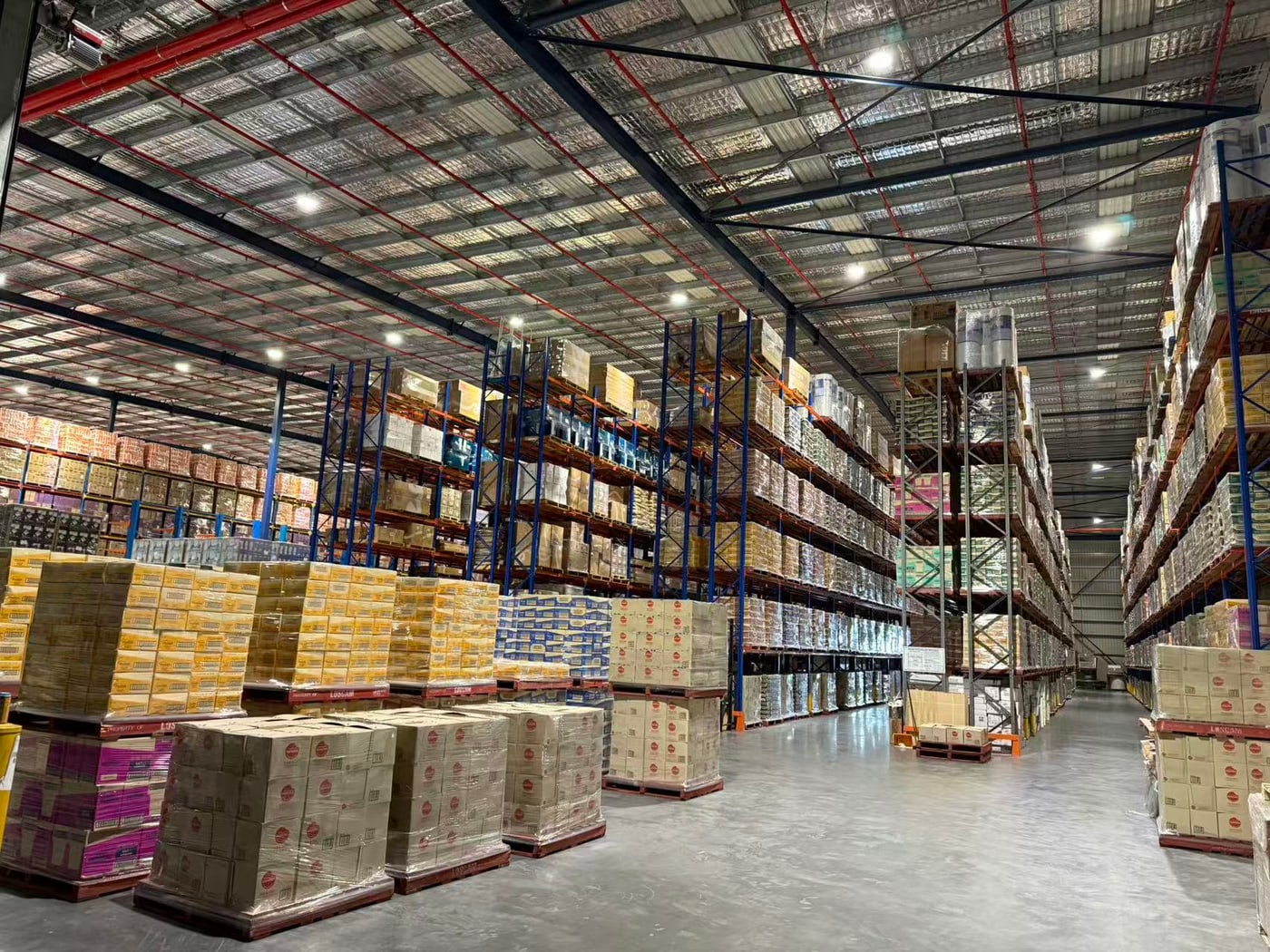
Storage discussions should cover more than a floor-area figure. Explain what is being stored, how long it may remain and how frequently it is expected to move. Tell the team about unusual dimensions or handling requirements. Nova has 15,000 m² of warehouse space at Willawong; suitability and the arrangement for a particular consignment should be discussed with the team.
Think ahead to the outbound stage
Will everything leave together, or will the freight move in stages? Where are the delivery points, and what information will be available when the goods are ready? Share expected receiving windows and unloading arrangements. If the project schedule can change, identify who will communicate the updated instructions.
Bring the stages into one conversation
Nova combines transport, container cartage, warehousing and project logistics within its South East Queensland offering. Our Willawong warehouse and container yards at Lytton and Rocklea provide the physical locations behind those services. Start with an outline of the complete journey and we can discuss which stages Nova can support.
KEEP THIS CHECKLIST
Ready to start the conversation?
- Expected inbound dates and cargo details
- Storage duration and movement pattern
- Outbound destinations and delivery requirements
- A clear contact for changes and instructions